
IPTV M3U Playlists Explained
An IPTV M3U playlist is a plain-text file that lists streams one after another. Each entry holds a channel's name, logo, group, guide ID and stream address, and your IPTV player reads the file to build its channel list. Providers usually supply it as an M3U URL rather than a file. Most services also offer Xtream Codes logins, which load live TV, films, series and the guide more efficiently.
At a glance
| What it is | A text list of stream addresses with channel details |
|---|---|
| File extensions | .m3u or .m3u8 |
| Usually supplied as | A personal M3U URL that generates the playlist |
| Guide data | Separate EPG (XMLTV) link, sometimes named in the playlist header |
| Works in | Almost every IPTV player, plus general players like VLC |
| Keep private? | Yes — the URL contains your username and password |
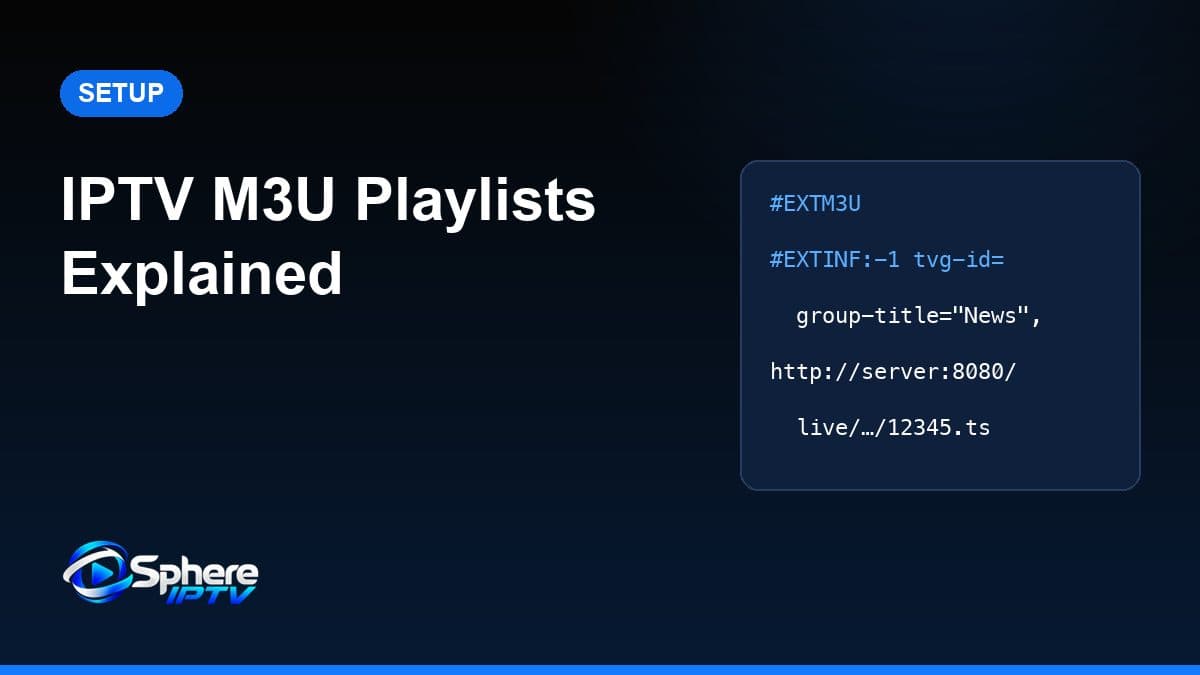
What an M3U file looks like
M3U started as a simple format for music playlists. IPTV uses an extended version (“extended M3U”) that adds details for each channel. A shortened example:
#EXTM3U url-tvg="https://guide.example/epg.xml"
#EXTINF:-1 tvg-id="news.example" tvg-logo="https://…/logo.png" group-title="News",Example News HD
http://server.example:8080/live/user/pass/12345.ts#EXTM3U— must be the first line; it marks the file as an extended playlist. The optionalurl-tvgtells players where the guide lives.#EXTINF— describes the next stream.-1means the length is unknown (a live stream).- The following line is the stream address the player requests.
What the attributes mean
| Attribute | Purpose |
|---|---|
tvg-id | Links the channel to its programme guide entry |
tvg-name | Alternative name used for guide matching |
tvg-logo | Address of the channel logo image |
group-title | The category the channel appears under (e.g. News, Sport) |
catchup / catchup-days | Catch-up support and how many days are available, where offered |
| Text after the comma | The channel name shown in the list |
M3U URL vs local M3U file
| M3U URL | Local M3U file | |
|---|---|---|
| How you add it | Paste the link into the player | Load a file from device storage |
| Updates | Player downloads the latest version on refresh | Frozen at the time you saved it |
| Channel changes | Picked up automatically | Need a new file |
| Best for | Almost all IPTV use | Testing or editing a playlist |
In practice you rarely handle the file. The provider's URL builds your personal playlist each time a player requests it, so new or moved channels appear after a refresh.
How IPTV players use playlists
- The player downloads the playlist from the URL.
- It reads each entry and groups channels using
group-title. - It downloads the guide and matches programmes using
tvg-id. - When you select a channel, it requests that stream address.
Large playlists with thousands of entries take longer to parse, which is why low-memory devices can feel slow on first load. Hiding unused groups in the player helps. See our IPTV player guide for how different apps handle this.
The EPG relationship
The playlist and the guide are two separate files. The playlist says what channels exist; the guide says what is on them. If your player does not read the url-tvg header, paste the EPG link into its guide settings manually. Mismatched IDs explain most empty guide rows — our IPTV EPG guide covers the fixes.
M3U vs Xtream Codes
| M3U link | Xtream Codes login | |
|---|---|---|
| What you enter | One long URL | Server URL, username, password |
| TV guide | Often needs a separate EPG link | Usually loads automatically |
| Films and series | Mixed into one long list | Organised into separate sections |
| Loading speed | Slower on large playlists | Faster; loads categories as needed |
| Compatibility | Almost every player | Most modern IPTV players |
Use Xtream Codes whenever your player supports it, and keep the M3U link for apps that accept nothing else — such as some smart TV players.
Common M3U problems and fixes
| Symptom | Likely cause | What to do |
|---|---|---|
| “Invalid playlist” or nothing loads | Missing #EXTM3U line, or the URL returns an error page | Open the URL in a browser to see what it returns |
| Playlist loads but is empty | Expired subscription or wrong credentials in the URL | Check the account is active; re-copy the link |
| Link stops working after pasting | Extra space or line break copied with the URL | Paste into a notes app first, remove spaces, copy again |
| Strange characters in names | Wrong text encoding | Save local files as UTF-8 (M3U8) |
| Channels play but no guide | No EPG link or ID mismatch | Add the EPG URL; see the EPG guide |
| Some channels fail | Individual streams offline or moved | Refresh the playlist; report persistent failures |
Apps that accept M3U playlists
Almost every IPTV player accepts M3U, including IPTV Smarters, TiviMate and IBO Player. General media players such as VLC can open an M3U link for basic playback, although they lack a proper TV guide and on-demand sections. Device-specific steps are in the installation hub.
Security and legitimate use
An M3U link contains your username and password inside the address. Anyone with the link can use your subscription, which can cause connection errors when you try to watch. Do not post it in forums or share it outside your household.
Be wary of “free M3U playlists” shared online. They often point to unlicensed streams, stop working without warning and can expose you to legal or security risks. Only use playlists from a service you subscribe to — see what “free IPTV” really means.
Sphere IPTV supplies both Xtream Codes logins and M3U links after you choose a plan, so you can use whichever your app supports.
Frequently asked questions
Is M3U the same as M3U8?
M3U8 is the UTF-8 encoded version of M3U. The term is also used for HLS streaming playlists. For adding an IPTV playlist, players treat them the same way.
Can I open an IPTV M3U playlist in VLC?
Yes. VLC can open M3U links for basic playback, although it lacks the TV guide and on-demand sections of dedicated IPTV players.
Why does my M3U playlist not load?
The most common reasons are a copied space or line break in the URL, an expired account, or the URL returning an error page instead of a playlist. Opening the link in a browser shows which.
Can I edit an M3U playlist?
You can edit a downloaded file in a text editor, for example to remove groups. Edits are lost when you refresh from the provider's URL, so hiding groups in the player is usually easier.