
What Is IPTV? How Internet Protocol Television Works
IPTV stands for Internet Protocol Television. It delivers television and video over an IP network — usually your broadband connection — instead of through terrestrial aerials, satellite dishes or cable. A server sends live channels and on-demand video as data packets, and a player app or set-top box on your TV, stick, phone or tablet turns them back into pictures and sound.
At a glance
| Stands for | Internet Protocol Television |
|---|---|
| Delivered over | An IP network — a managed operator network or the public internet |
| Content types | Live TV, video on demand (VOD), catch-up / time-shift |
| You need | Internet connection, compatible device, player app or set-top box, subscription |
| Common login formats | Xtream Codes login, M3U playlist, MAG portal |
| Is the technology legal? | Yes — legality depends on the content and service, not the technology |
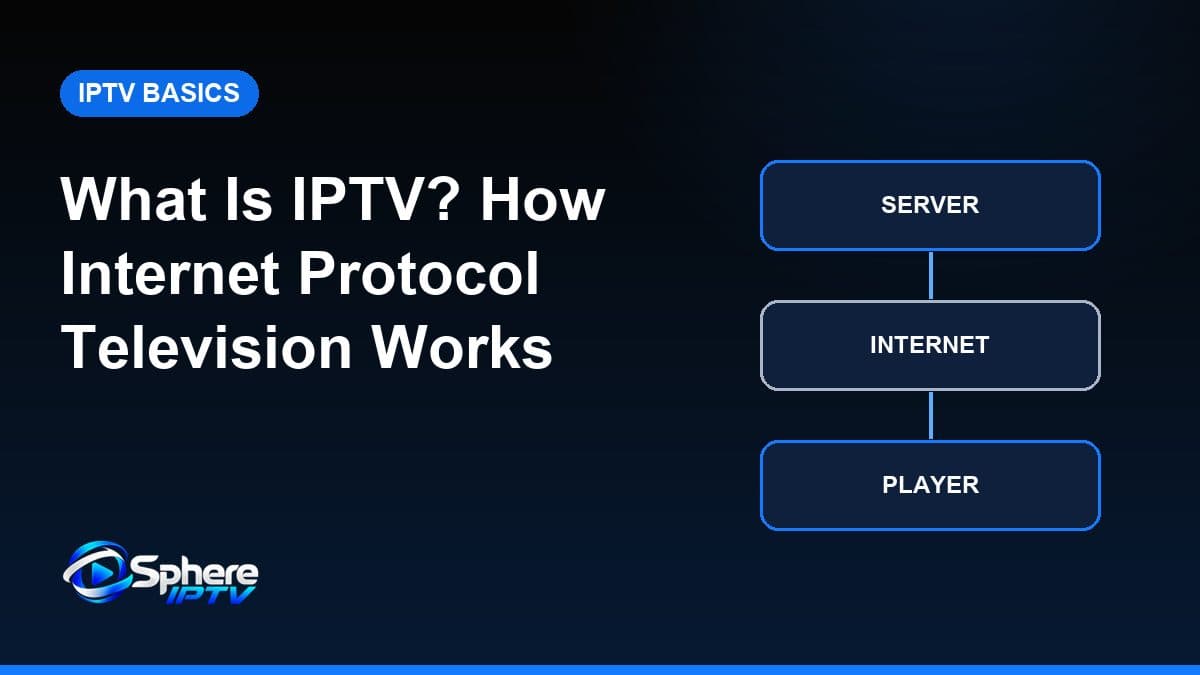
IPTV meaning in plain English
“Internet Protocol” is the set of rules that moves data around networks — the same system that carries web pages, email and video calls. Internet Protocol Television (you will also see it written as IP TV or IP television) simply means television delivered using those rules.
Traditional TV broadcasts: every channel is sent at once, and your receiver tunes into one. IPTV works on request: when you pick a channel, your device asks a server for that stream, and only that stream travels to you. This difference is why IPTV can offer on-demand libraries and catch-up alongside live channels, and why it runs on so many different devices.
How IPTV works, step by step
- Acquisition. TV channels and video are received from their sources — satellite feeds, studio links or files.
- Encoding. The video is compressed with a codec such as H.264 (AVC) or H.265 (HEVC) so it can travel efficiently. Higher efficiency means less bandwidth for the same picture.
- Packaging and hosting. Streams are split into small segments (commonly MPEG-TS or HLS) and hosted on servers, together with a channel list and programme guide data.
- Middleware and access. A management layer controls who can watch what. Subscribers receive access details — typically an Xtream Codes login, an M3U playlist link or a MAG portal address.
- Delivery. When you select a channel, your player requests it and the segments travel across the network to your device.
- Playback. The device buffers a few seconds of video, decodes it and displays it, while the next segments arrive in the background.
Every step affects what you see. A clean source and efficient encoding give a sharp picture; a stable network prevents buffering; a capable device decodes smoothly. Our IPTV streaming guide looks at the viewing side of this chain in more detail.
Types of IPTV content
| Type | What it is | Typical controls |
|---|---|---|
| Live TV | Channels streamed in real time, like broadcast TV | Channel up/down, TV guide |
| Video on demand (VOD) | Films and series stored on the server, started when you choose | Play, pause, seek, resume |
| Catch-up / time-shift | Recently aired programmes kept for a limited period | Watch from the guide, restart a show |
Live channels are organised with an electronic programme guide (EPG). Catch-up only works when both the channel and your player support it.
Operator IPTV vs internet IPTV services
The word IPTV covers two quite different setups:
- Operator (managed) IPTV — run by a broadband or telecom company over its own network, often with a set-top box supplied by the provider. Because the operator controls the network, it can use techniques such as multicast to send one stream to many homes efficiently.
- Internet IPTV services — delivered over the public internet to apps on devices you choose. Each viewer receives their own stream (unicast), so your home connection and Wi-Fi play a bigger role in quality.
Most people searching for internet protocol television services today mean the second type: a subscription you watch through an app. We explain how those subscriptions work in IPTV subscriptions explained, and what separates a service from a provider in what an IPTV service is.
The building blocks: service, provider, player and device
It helps to separate the pieces people often mix up:
| Piece | Role | Example |
|---|---|---|
| IPTV technology | The method of delivering TV over IP networks | Streaming segments over HTTP |
| IPTV provider | The organisation that operates the servers and supplies access | A telecom operator or subscription service |
| Subscription | Paid access for a set period | 1, 3, 6 or 12 months |
| IPTV player | The app that signs in and plays streams | TiviMate, IPTV Smarters, IBO Player |
| Device | The hardware that runs the player | Firestick, smart TV, phone, MAG box |
Keeping these separate explains a lot of common confusion. A player app contains no channels on its own, and buying a box does not include TV content. You need a service for the content and a player to watch it.
What you need to watch IPTV
| Requirement | What it means in practice |
|---|---|
| Internet connection | A stable broadband line; see the internet speed guide for figures by resolution. |
| Compatible device | Fire TV, Android TV, smart TV, iPhone, Apple TV or a MAG box — see supported devices. |
| Player app | A third-party player such as those in our app guides. |
| Subscription | Login details from an IPTV service that provides the channels. |
Advantages and limitations
| Advantages | Limitations |
|---|---|
| Works on many devices you may already own | Quality depends on your internet connection and Wi-Fi |
| Live TV, on-demand and catch-up in one app | Setup involves choosing and configuring a player app |
| Often prepaid without long contracts | Service quality and licensing vary widely between providers |
| Usable wherever there is internet | Heavy data use on mobile or capped connections |
For a side-by-side comparison with dish and cable, read IPTV vs cable and satellite TV. If you are weighing IPTV against apps such as on-demand film services, see IPTV vs streaming services.
IPTV terms explained
| Term | Meaning |
|---|---|
| Codec | The compression method for video, such as H.264 (AVC) or H.265 (HEVC) |
| Bitrate | How much data per second a stream uses; higher usually means better quality |
| Buffer | The few seconds of video a player stores ahead to smooth out network dips |
| EPG | Electronic programme guide — the on-screen TV schedule |
| VOD | Video on demand — films and series you start when you choose |
| Catch-up / time-shift | Watching recently aired programmes, where supported |
| Xtream Codes | A login format of server URL, username and password used by many players |
| M3U | A text playlist listing channels and their stream addresses |
| Middleware | The system that manages subscribers, channel lists and access |
| Set-top box | A device that connects to the TV and runs IPTV, such as a MAG box |
| Unicast / multicast | One stream per viewer vs one stream shared by many viewers on a managed network |
| HLS | HTTP Live Streaming — a common way of delivering video in small segments |
Common misconceptions about IPTV
- “An IPTV app gives you channels.” Player apps are empty until you sign in with a service's login.
- “A faster broadband package fixes everything.” Weak Wi-Fi or an underpowered device can cause buffering on a fast connection.
- “IPTV is illegal.” The technology is legal; licensing of the content is what matters.
- “4K means every channel is 4K.” Only content produced or delivered in 4K is genuinely 4K — see 4K IPTV explained.
- “IPTV only works on smart TVs.” Streaming sticks, boxes, phones, tablets and computers all work with the right app.
Is IPTV legal?
The technology is legal and widely used by telecom companies and broadcasters. Whether a particular service is lawful depends on whether it holds the rights to the content it distributes, and on the law where you live. We cover this properly in Is IPTV legal?
Getting started
- Check your connection is stable enough for the quality you want.
- Pick a device and a compatible IPTV player.
- Choose a service and plan length that suits how long you will watch.
- Enter your login details and follow the installation guide for your device.
Sphere IPTV is one example of an internet IPTV service: plans run from $20 for 1 month to $75 for 12 months, ordered on WhatsApp. See Sphere IPTV pricing or the Sphere IPTV overview.
Frequently asked questions
What does IPTV stand for?
IPTV stands for Internet Protocol Television — television delivered using the internet protocol rather than broadcast signals.
Is IPTV the same as streaming?
IPTV is a form of streaming that focuses on TV-style content: live channels with a programme guide, plus on-demand and catch-up. Streaming is the broader term for any video delivered over a network.
Do I need a satellite dish or aerial for IPTV?
No. IPTV only needs an internet connection and a compatible device.
Can I watch IPTV on a normal TV?
Yes, if the TV is a smart TV with a suitable app, or if you connect a streaming device such as a Firestick, Android TV box, Apple TV or MAG box to its HDMI port.
Does IPTV use a lot of data?
It can. HD viewing typically uses one to two gigabytes per hour and 4K considerably more, so it matters on mobile data or capped broadband.